

Blog
Astrology MCP server: setup, tools and client compatibility
· 96Astro API team · 7 min read · AI
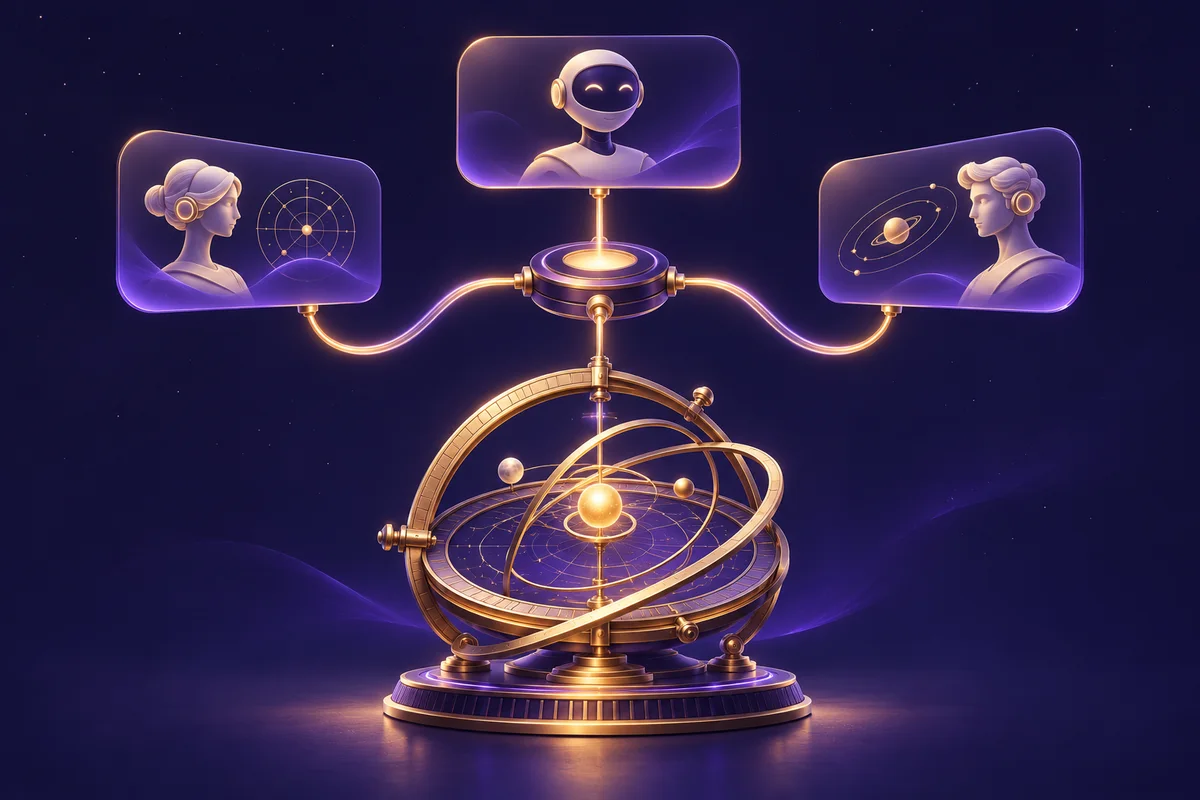
Connect compatible AI clients to astrology calculation tools. Explore Claude and VS Code setup, key security, and ChatGPT authentication requirements.
In brief
- The Model Context Protocol (MCP) lets AI assistants such as Claude, ChatGPT, Cursor and VS Code call real tools instead of guessing.
- The 96Astro API runs a hosted astrology MCP server at
https://api.96astroapi.com/mcp. Connect it once and your assistant can find the right calculation, read its exact inputs and run it with your key. - This gives the model access to a calculation engine. It reduces unsupported positions but does not guarantee that the assistant selects the right inputs or explains every result correctly.
- Set-up takes about two minutes. Start with a sandbox key, whose calls are free.
Ask a chatbot "what is my moon sign if I was born on 18 October 1990 at 2:30 pm in Delhi?" and you will usually get a confident answer. It is often wrong, because a language model predicts text; it does not run an ephemeris. An astrology MCP server gives the assistant a calculator it can call. This guide explains what MCP is, how to connect the 96Astro astrology MCP server to Claude, ChatGPT, Cursor and VS Code, and what you can build with it.
Why AI assistants get astrology wrong
A birth chart is arithmetic on real astronomical data: the exact positions of the Sun, Moon and planets at a moment, seen from a place, corrected for the time zone, then mapped into signs, houses and nakshatras with a chosen ayanamsha. A language model generating text alone is not a reliable ephemeris. An assistant can perform the calculation when it has appropriate tools, data and verified inputs.
The result is plausible-sounding nonsense: an ascendant from the wrong sign, a dasha that started in the wrong year, a "Mars in the 7th house" that does not exist. We explain this in detail in why language models cannot calculate a birth chart.
The fix is not a better prompt. It is a tool: let the model ask for the calculation and then explain the real result.
What is MCP (Model Context Protocol)?
MCP is an open standard for connecting AI applications to external tools and data. An MCP server publishes a list of tools, each with a name, a description and an input schema. An MCP client (Claude Desktop, Claude Code, ChatGPT, Cursor, VS Code and many others) shows those tools to the model. When the model decides it needs one, the client calls it and hands the result back.
For astrology this means the assistant can:
- search for the right calculation ("manglik", "choghadiya", "synastry");
- read exactly what that calculation needs (date, time, time zone, latitude, longitude, ayanamsha);
- call it and receive real JSON;
- explain the answer in plain language, grounded in that JSON.
The 96Astro astrology MCP server
Our server uses the Streamable HTTP transport. Your API key goes in the Authorization header, exactly as with the REST API.
https://api.96astroapi.com/mcp
It exposes the whole catalogue of 655 calculations through five general tools, so the model is not overwhelmed by hundreds of tool definitions:
| Tool | What it does | Needs your key |
|---|---|---|
search_capabilities | Finds calculations by keyword, such as "manglik" or "choghadiya" | No |
list_families | Lists the families: Vedic charts, panchang, dashas, matching, KP, Western, tarot, numerology and more | No |
describe_capability | Returns the exact input schema, an example, the options, the cost and the languages of one capability | No |
call_capability | Runs one capability and returns its JSON | Yes |
find_place | Turns a place name into latitude, longitude and time zone | Yes |
call_capability goes through the same /v1 API your own code uses. Credits, rate limits, idempotency and errors behave identically. Chart images are left out of tool results to save the model's context; call the API directly when you need a drawing.
How to connect Claude Code to the astrology MCP server
claude mcp add --transport http 96astro https://api.96astroapi.com/mcp \
  --header "Authorization: Bearer sk_test_..."
Then ask: "Using 96astro, what is the moon sign and current Vimshottari dasha for someone born 18 October 1990 at 14:30 in Delhi?" Claude will call find_place for Delhi, describe_capability to learn the inputs, then call_capability for the chart and the dasha.
How to connect Cursor
Add this to .cursor/mcp.json in your project, or ~/.cursor/mcp.json for every project:
{
  "mcpServers": {
    "96astro": {
      "url": "https://api.96astroapi.com/mcp",
      "headers": { "Authorization": "Bearer sk_test_..." }
    }
  }
}
Cursor is where the MCP server shines for developers: while you build an astrology app, the assistant can call the real API to check field names and response shapes instead of guessing them.
How to connect VS Code
In .vscode/mcp.json, with a secret prompt so the key is never written to the file:
{
  "inputs": [{ "type": "promptString", "id": "astro-key", "description": "96Astro API key", "password": true }],
  "servers": {
    "96astro": {
      "type": "http",
      "url": "https://api.96astroapi.com/mcp",
      "headers": { "Authorization": "Bearer ${input:astro-key}" }
    }
  }
}
Claude Desktop, Windsurf and other clients
Clients that only start local servers can reach a remote one through the mcp-remote bridge, which needs Node.js:
{
  "mcpServers": {
    "96astro": {
      "command": "npx",
      "args": ["-y", "mcp-remote", "https://api.96astroapi.com/mcp", "--header", "Authorization:${ASTRO_AUTH}"],
      "env": { "ASTRO_AUTH": "Bearer sk_test_..." }
    }
  }
}
ChatGPT and other assistants
Clients that support Streamable HTTP and a custom bearer header can use the URL above. Do not assume this means a direct ChatGPT connection is available. OpenAI's documented ChatGPT custom-MCP flow offers OAuth or no authentication; the static 96Astro API-key header shown here is not that OAuth flow. Authenticated ChatGPT use needs a compatible OAuth integration or a securely managed adapter. Never put a secret key in a public URL or expose an unauthenticated billing proxy. Check the official custom MCP guide for current account and authentication requirements.
Client configuration changes over time. The examples follow the Claude Code MCP documentation and VS Code MCP configuration reference; check your installed client version.
What you can build with an astrology MCP server
- An astrologer's research assistant. "Compare this chart's Navamsa with the Dasamsa and list the yogas involving the 10th lord" becomes three tool calls and a grounded summary.
- Faster app development. In Cursor or VS Code the assistant reads real response shapes while it writes your integration code.
- Content workflows. Generate daily panchang notes or festival dates for a newsletter, checked against the real calculation.
- Customer support. A support agent that answers "why does my chart show a different ascendant?" by calling the calculation with the customer's details and the right ayanamsha.
- Internal tools. Bulk-check matching scores or muhurta windows from a chat window.
If you are building your own AI product rather than using an assistant, the AI chat API gives you the same grounding as an API call: you send a question and birth details, and the answer is written from the computed chart.
Costs and safety
- Searching and describing are free. They need no key.
- Calls cost what the API costs. With a sandbox key (
sk_test_) they are free; with a live key every calculation the assistant runs spends credits, exactly as a direct call would. - Give an assistant a sandbox key unless it needs live data, and narrow a live key with scopes.
- Keep configuration files with a key out of version control, or use a secret prompt as in the VS Code example.
- Use a secret key (
sk_). A publishable key works only from a browser on your website, so an MCP call with one is refused. - Revoke the key under API keys in the dashboard and the connection stops at once.
Docs written for language models
Even without MCP you can point an assistant at documentation written for it: /llms.txt summarises the API and links every guide, /llms-full.txt has everything in one file, and any guide is available as Markdown by adding .md to its address.
Frequently asked questions
What is an astrology MCP server?
It is a server that exposes astrology calculations as tools an AI assistant can call through the Model Context Protocol, so the assistant computes charts instead of guessing them.
Does it work with Claude?
Yes. Claude Code connects with one claude mcp add command, and Claude Desktop connects through the mcp-remote bridge.
Does it work with ChatGPT?
Not through the static-key setup shown here alone. ChatGPT's documented custom-MCP authentication flow requires a compatible integration; see the authentication distinction above before promising support.
Is the astrology MCP server free?
Connecting, searching and describing calculations is free. Running a calculation costs the same credits as the REST API, and sandbox keys are free.
Which astrology systems can the assistant use?
Everything in the API: Vedic charts and divisional charts, panchang, Vimshottari and other dashas, Kundli matching, doshas and yogas, KP, Jaimini, Lal Kitab, Tajika, Western natal, transits and synastry, tarot, numerology, Chinese astrology and Human Design.
Can the assistant draw charts through MCP?
Tool results leave out chart images to save the model's context. For a drawing, call the chart image endpoints directly from your app.
Get started
Open AI assistants (MCP) in your dashboard for set-up snippets with your server address, create a sandbox key, and read the full AI assistants guide. Your assistant will be computing real charts in about two minutes.
Get the next guide by email
One email a month with new guides and API changes. No account needed.
Keep reading
- AI astrology: ground answers in calculated birth charts
6 November 2026 · 5 min read
- How to monetise an astrology app: models and cost scenarios
12 November 2026 · 9 min read
- Palm Reading API: how to add AI palmistry to your app
12 November 2026 · 9 min read