
Blog
Human Design API: calculate type, authority, profile and the bodygraph
· 96Astro API team · 6 min read · Calculation methods, Guides
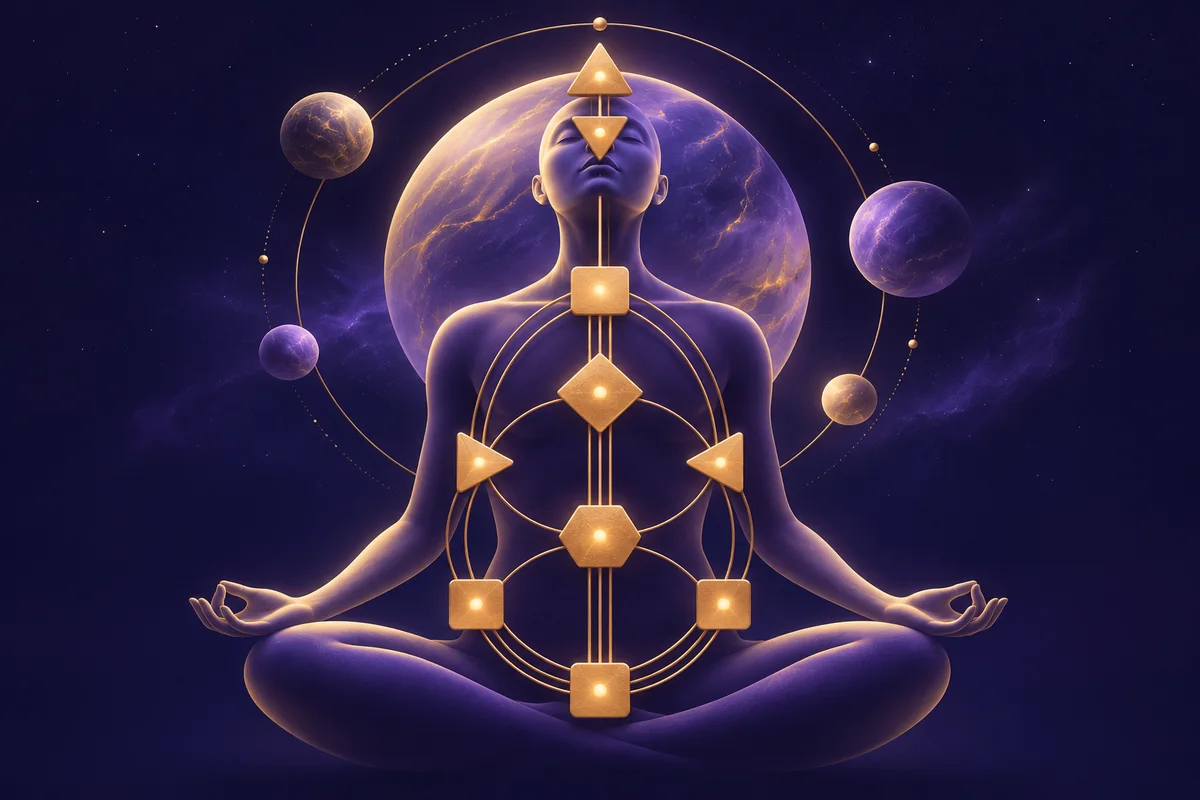
What a Human Design API calculates, how the design moment is found, how to draw the bodygraph from centres, channels and gates, and how to handle birth-time uncertainty.
In brief
- A Human Design API calculates a person's type, strategy, authority, profile, definition, incarnation cross, defined and open centres, channels and gates from their birth date, time and place.
- The 96Astro Human Design API works out both the personality (birth) moment and the design moment, when the Sun was 88 degrees earlier, then returns either a readable summary or the raw data to draw the bodygraph yourself.
- Six capabilities cover a profile screen, a drawn chart and longer interpretations for coaching tools.
- Descriptions are our own. We are not affiliated with or endorsed by any owner of a Human Design trademark.
Human Design has become one of the most requested features in wellness, coaching and self-discovery apps. Users arrive knowing their type ("I'm a Projector") and expect your app to know it too. Getting it right needs precise astronomy: the design moment depends on the Sun's exact position, and one minute of birth time can move a gate line. This guide explains what a Human Design API calculates, how to build a Human Design chart (bodygraph) screen, and what to watch for.
How a Human Design chart is calculated
A Human Design chart combines two moments:
| Moment | How it is found | What it gives |
|---|---|---|
| Personality | The birth moment itself | The conscious ("personality") activations |
| Design | The moment when the Sun was exactly 88 degrees of longitude before its birth position, roughly three months earlier | The unconscious ("design") activations |
At each moment the positions of the Sun, Earth, Moon, the lunar nodes and the planets are mapped onto the 64 gates of the wheel, each with six lines. Gates that pair up form channels, channels define centres, and the pattern of defined centres decides the type and authority.
Because the design moment is found by solving for the Sun's position, it has to be computed from real ephemeris data; it is not "the birth date minus 88 days". The API returns the moment it used (design_moment), so you can show it and so support can check it.
The Human Design API endpoints
| Capability | What it returns | Typical screen |
|---|---|---|
human-design | Type, strategy, not-self theme, signature, authority, definition, profile, incarnation cross, centres and the design moment | A profile summary |
human-design-traits | The same core traits, each with a short description | Profile cards |
human-design-centers-channels | Defined and open centres, channels, gates and connected groups | Drawing the bodygraph |
human-design-activations | Every planet's gate and line at both moments | A detailed activation table |
human-design-interpretation | Longer readable descriptions | A reading or report |
human-design-analysis | A fuller analysis | Coaching and premium reports |
A first Human Design request
The input is the same birth data as every other chart in the API:
curl https://api.96astroapi.com/v1/human-design/human-design \
  -H "Authorization: Bearer $ASTRO_API_KEY" \
  -H "Content-Type: application/json" \
  -d '{
    "datetime": "1990-10-18T14:30:00",
    "timezone": "Asia/Kolkata",
    "latitude": 28.6139,
    "longitude": 77.209
  }'
This abbreviated, illustrative field example explains the shape; it is not a validated calculation for the request above. Use the live result for a real chart:
{
  "data": {
    "type": "Projector",
    "strategy": "To wait for the invitation",
    "not_self_theme": "Bitterness",
    "signature": "Success",
    "authority": "Splenic",
    "definition": "Split",
    "profile": "5/1",
    "incarnation_cross": { "angle": "Left angle", "gates": [32, 42, 56, 60] },
    "design_moment": "1990-07-19T21:36:54",
    "defined_centers": ["g", "throat", "root", "spleen"],
    "open_centers": ["ajna", "ego", "head", "sacral", "solar_plexus"]
  }
}
Human Design is an interpretive framework, not a scientifically established personality or health assessment. Astronomical precision in the inputs does not validate its life interpretations.
The five Human Design types
| Type | Strategy | Signature | Not-self theme |
|---|---|---|---|
| Manifestor | To inform | Peace | Anger |
| Generator | To respond | Satisfaction | Frustration |
| Manifesting Generator | To respond, then inform | Satisfaction | Frustration and anger |
| Projector | To wait for the invitation | Success | Bitterness |
| Reflector | To wait a lunar cycle | Surprise | Disappointment |
The API returns these as fields, so your app does not keep its own lookup table that could drift from the calculation.
Drawing a Human Design bodygraph
human-design-centers-channels gives you what a chart drawing needs. The simplified example below demonstrates consistent channel and centre relationships, not an API fixture:
{
  "defined_centers": ["g", "throat", "root", "spleen"],
  "open_centers": ["ajna", "ego", "head", "sacral", "solar_plexus"],
  "channels": [
    { "gates": [7, 31], "centers": ["g", "throat"] },
    { "gates": [32, 54], "centers": ["spleen", "root"] }
  ],
  "gates": [7, 31, 32, 54],
  "connected_groups": [["g", "throat"], ["root", "spleen"]]
}
Draw the nine centres in their usual layout, fill the defined ones, draw each channel between its two centres, and mark the activated gates. connected_groups tells you which defined centres join up, which is how the definition (single, split, triple split or quadruple split) is decided. Use human-design-activations if you also want the planet-by-planet table of personality and design gates and lines.
Birth time matters more than people expect
A small error in birth time can change the Moon's gate, a profile line or, near a boundary, a channel. Three practical rules:
- Ask for the time on the birth certificate, and let users add a note on how sure they are.
- Use place search with time zones, so a summer-time birth is not an hour off. See birth times and time zones.
- Offer a "what if my time is uncertain" check: calculate at the stated time and 15 minutes either side, and tell the user if their type, authority or profile changes.
Human Design app ideas
- Onboarding by type. Ask for birth details once and personalise the whole app by type and authority.
- A daily prompt written for the user's strategy ("As a Generator, notice what you respond to today").
- Relationship insights. Combine two charts and show where their defined centres complement each other, as a conversation starter.
- Coaching tools. Give practitioners the full activations and interpretations in a client dashboard.
- Cross-system profiles. Show Human Design beside the Western Sun, Moon and Rising from the Western astrology API and the Vedic Moon sign and nakshatra from the Kundli API. Users who like one system often enjoy comparing them.
A note on trademarks and wording
"Human Design" and related terms are used by several organisations, some of which hold trademarks. Our descriptions are our own, and the API is not affiliated with or endorsed by any trademark owner. In your app, describe it as a Human Design-style chart calculated from the birth data, and avoid implying an endorsement.
Frequently asked questions
What does a Human Design API calculate?
Type, strategy, authority, profile, definition, incarnation cross, signature, not-self theme, defined and open centres, channels, gates and the planetary activations at the birth and design moments.
How is the design moment calculated?
It is the moment when the Sun was 88 degrees of longitude before its position at birth, solved from ephemeris data. It falls roughly three months before birth, and the API returns the exact moment it used.
Can I draw the bodygraph with the API?
Yes. human-design-centers-channels returns the defined centres, channels, gates and connected groups needed to draw it.
What if the birth time is unknown?
Type and authority often survive a small error, but the Moon's gate and profile lines can change. Calculate at a few times either side and show the user which parts are stable.
Which languages are the descriptions in?
The calculated fields are stable identifiers in English, so you can translate the labels in your app; check the languages guide for the descriptive text.
Is it the same calculation other Human Design apps use?
It follows the standard method: the birth and the 88-degree design moments, the 64 gates and six lines, and channels defining centres. Compare results only after aligning ephemeris conventions, node choices, gate mapping and calculation version; test boundary cases rather than assuming every calculator is identical.
Get started
Open the Human Design API page for examples in seven languages and read how it is worked out. Create a free sandbox key and calculate your own chart in a minute.
Get the next guide by email
One email a month with new guides and API changes. No account needed.
Keep reading
- How to monetise an astrology app: models and cost scenarios
12 November 2026 · 9 min read
- Palm Reading API: how to add AI palmistry to your app
12 November 2026 · 9 min read
- Face Reading API: responsible AI face reading for apps
12 November 2026 · 7 min read